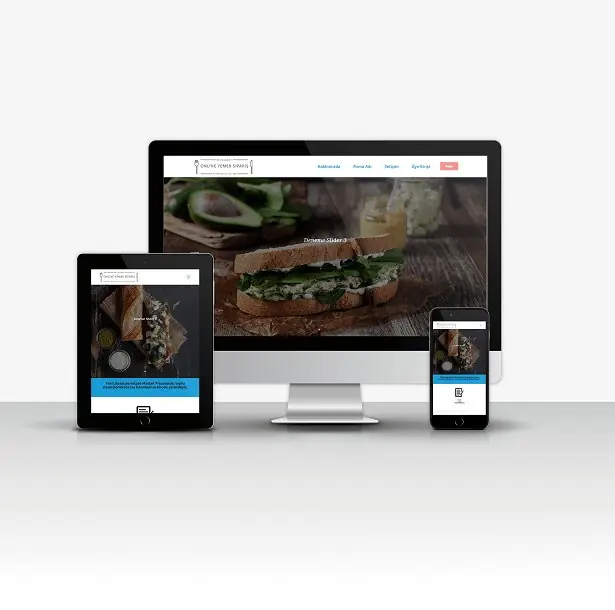
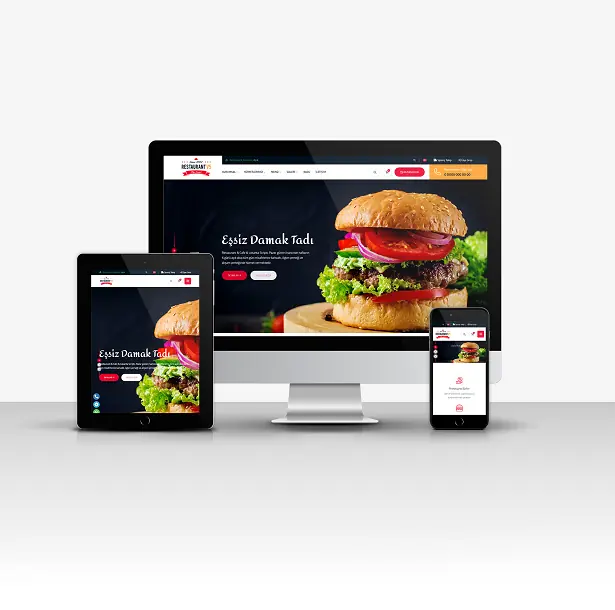
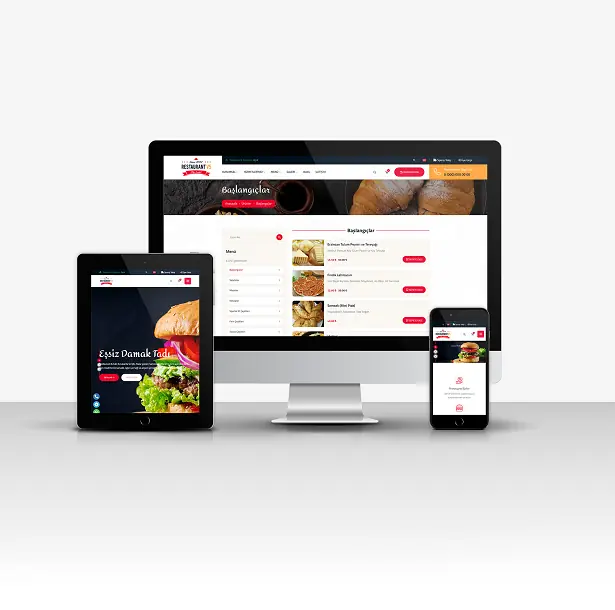
Cafe & Restaurant V5 (Virtual POS - Voice Notification System - Delivery Zone System)
If you want to review the User Panel, CLICK HERE.Demo Member 1: Email: [email protected] Password: demo1Demo Member 2: Email: [email protected] Password: demo2Demo Member 3: Email: [email protected] Password: demo3Demo Member 4: Email: [email protected] Password: demo4We even added PHP code to the .htaccess file! :) This way, you can change the page links as you wish from the panel.Main FeaturesResponsive Mobile-Friendly Design. (Perfect appearance on your tablets and phones. (Unlimited Color Options))You can manage all areas of the site thanks to the advanced admin panel.Unlimited page adding and editing, title, keyword, and description settings.Unlimited service addition and editing, Title, Keyword, and Description settings.Unlimited team adding and editing, title, keyword, and description settings.Unlimited product adding and editing, title, keyword, and description settings.Unlimited Product Category Adding/Editing/Deletion (UNLIMITED SUB-CATEGORY SYSTEM AVAILABLE)Unlimited Dealer/Branch Adding/Editing/DeletingUnlimited Top Menu Addition/Editing/DeletionAdmin Panel Notebook SectionUnlimited Language Addition/Deletion/Editing (Next Generation)Unlimited Currency Adding/Deleting/EditingMembership SystemAdding Delivery ZonesSetting Minimum Amounts Based on Delivery RegionsAdvanced Shopping Cart SystemPaytr Virtual POSRestaurant Status ModuleDiscount Coupon ModuleE-Newsletter ManagementTheme Color SettingsLimit settingsAbility to edit email and SMS templates.Ability to Send Bulk EmailsAbility to send bulk SMS messages.You can set company information, site title, keywords, and site description from the admin panel.Contact Page Settings (Adding Google Maps Code)Social Media Link Management.Get indexed faster on Google with SEO-friendly link structures.The admin panel URL address can be changed from within the panel.Unlimited Subcategories systemand many more features.Installation InstructionsSETUP;Upload your files to your FTP server.Create a new database from your hosting panel.Import the 'scriptadi.sql' file found in the installation files into the database you created.You can activate your website by entering your database information in the system/baglan.php file.IMPORTANT;Our software requires a minimum PHP version of 7.2.Your server must have the latest IONCUBE installed.Contact forms will not work if you do not enter your SMTP information.ADMIN LOGIN INFORMATION (Standard);Admin Panel: www.siteadi.com/panelUsername: demoPassword: demo- Ioncube 10.xx or higher.- PHP 7.2 or higher.- Apache Mod_Rewrite. Linux / cPanel recommended.